01
Architecture follows intent
Start with user tasks and search intent, then group genuinely related pages into hubs. Do not create categories simply because a keyword tool lists them.

Search-friendly architecture helps users and crawlers understand which pages are important, how topics relate and where deeper information lives.
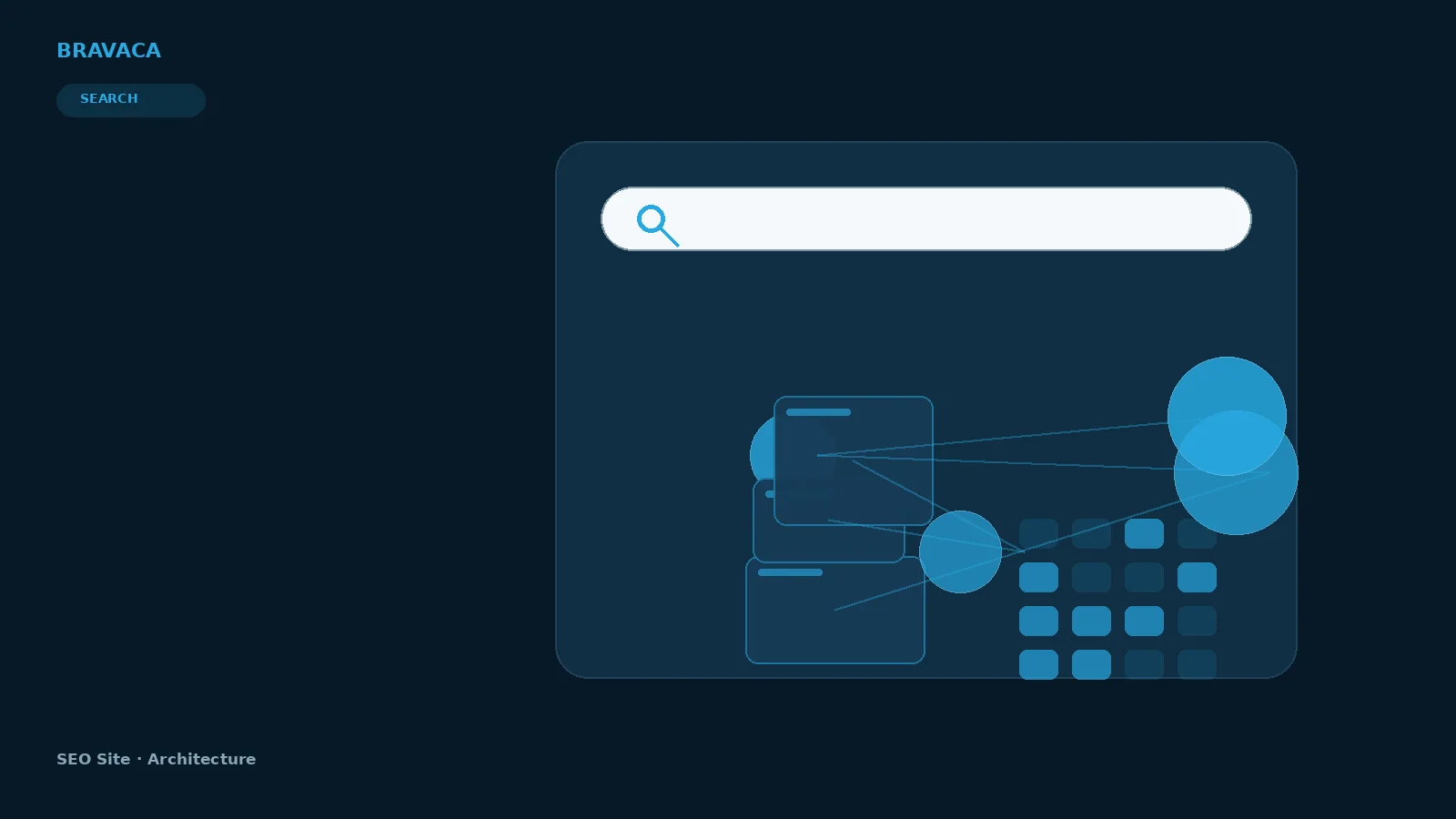
SEO Site Architecture: Bravaca visual explanation.
Each visual is selected for this page by meaning, not simply by keyword similarity.


Start with user tasks and search intent, then group genuinely related pages into hubs. Do not create categories simply because a keyword tool lists them.
Everything one click from the homepage can become noisy. The aim is a comprehensible hierarchy, not the fewest possible folders.
As the site grows, new pages should enter a defined topic cluster or be held until their role is clear.
Tell us what you are trying to improve. We will help define what should happen next.