AUTOMATION

Remove repetitive work without losing control.

Bravaca maps repeated steps, duplicate data entry and the hand-offs where enquiries or tasks get lost—then designs a simpler workflow with the right balance of automation, visibility and human judgement.

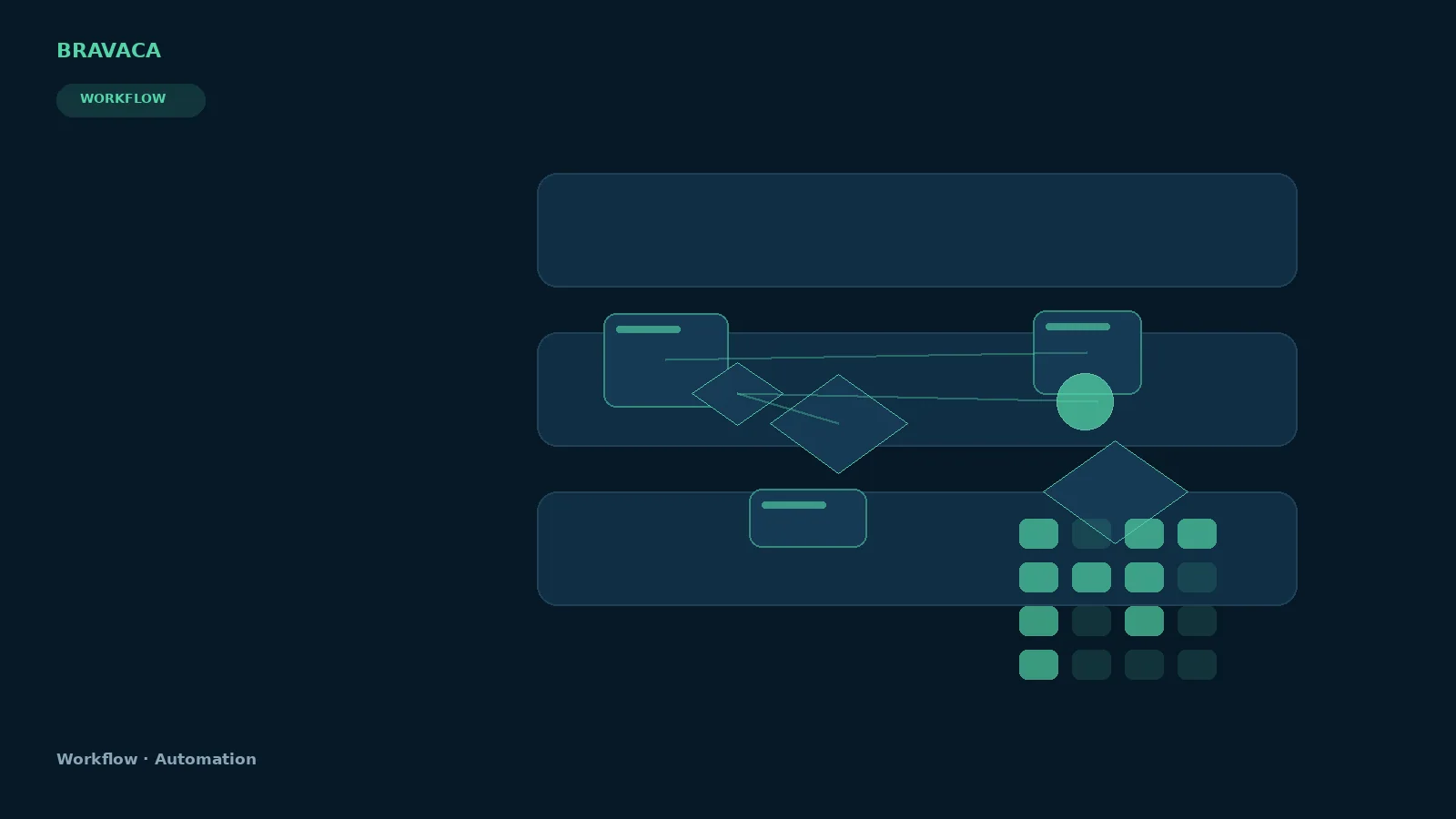
Bravaca visual explaining workflow automation through search, systems, workflow and commercial outcomes.

Workflow Automation: Bravaca visual explanation.

VISUAL EXPLANATION

See how the system fits together.

Each visual is selected for this page by meaning, not simply by keyword similarity.

Diagram explaining trigger validate route automate review complete as a Bravaca search, workflow or system process.
WorkflowTrigger Validate Route Automate Review Complete — an explanatory Bravaca visual.
Diagram explaining exception escalation path as a Bravaca search, workflow or system process.
WorkflowException Escalation Path — an explanatory Bravaca visual.
Illustrative Bravaca concept interface for automation monitor.
UiAutomation Monitor concept UI. Illustrative only, not a live client or product screenshot.
01

Automation starts with the process

A bad process automated at speed is still a bad process. First understand what happens today, which decisions require judgement and what happens when something fails.

02

What can be automated

  • Lead capture, validation and routing
  • Data transfer between authorised systems
  • Document generation and recurring reporting
  • Notifications, tasks and escalation
  • Website-to-CRM workflow connections
  • Back-office data preparation
  • Practical AI assistance with explicit review
03

Where AI fits

AI can assist with extraction, classification, summarisation, drafting, search and decision support when uncertainty is acceptable and the workflow contains appropriate controls.

BRING US THE PROBLEM

You do not need to choose the service first.

Tell us what you are trying to improve. We will help define what should happen next.

Start a conversation →